January 8, 2026
Reaching the Primary Inbox: An Email Deliverability Guide
The "Holy Grail" of email marketing isn't just sending emails; it's getting them seen. Here's how to improve your chances.

If you’re in a rush, here is the TL;DR on landing in the Primary inbox:
In a world where people increasingly say 'no' to third party cookies on websites, reaching them with digital ads is getting harder. It's also increasingly hard to maintain visibility with them using organic social media, where your reach is artificially suppressed (in a bid to get you to pay for more hard-to-run-successfully ads) and you only ever really 'rent' these audiences anyway.
If you can, it's much better to try and obtain people's contact email addresses by offering value in exchange, and then you can keep in touch with them directly. First-party data gathering like this is now a cornerstone of good marketing which is why lead magnets and offers are suddenly so popular again.
Obtaining email addresses is only part of the story though. Next, you need people to them to actually read your emails and take actions like clicking the links they contain.
And this is where deliverability matters: if your emails all end up in a tab or folder your audiences rarely (if ever) bother to check, guess what? They don't get seen, so they can't be opened, and therefore don't get read.
Even with a 100% opt-in list, Gmail and Outlook categorise emails based on 'markers.' Understanding these is the first step to improving your email marketing ROI.
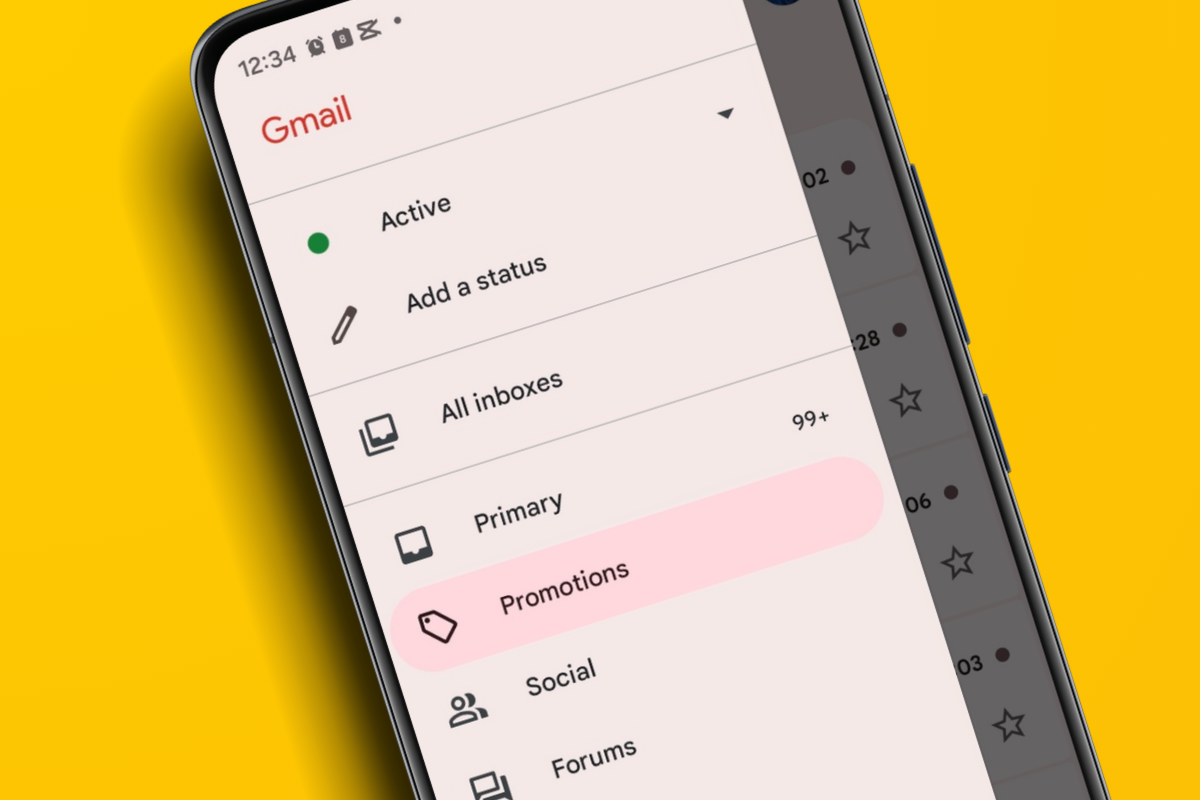
When you use tools like Mailchimp, Brevo, or ActiveCampaign, your emails carry hidden technical headers. These identify the message as a broadcast. If your email also contains high HTML-to-text ratios (lots of images and columns), the algorithm automatically flags it as 'Promotional' rather than 'Personal.' If your recipient uses Gmail, then it's likely your email will end up in the Promotions tab where it may not be seen straight away (if at all). If they use Outlook, it will more than likely end up in 'Other' rather than 'Focused'.
Even if you don't realise it, your Email Service Provider (ESP) includes technical metadata in the 'Header' of every email. While they don't necessarily send a note saying "There are 4,751 others," they do send signals that allow Gmail (and Outlook) to do the maths:
AI-driven filters look at how recipients interact with your mail. If your 'open-to-ignore' ratio is low, your sender reputation drops. This is why list hygiene is more than just good practice - it’s a deliverability requirement.
Many software vendors claim to have 'proprietary code' that 'forces' emails into the Primary tab.
In fact, if you show any interest in email marketing whilst scrolling your Facebook feed, you're almost certain to be inundated with ads soon after all promoting email delivery software that guarantees it can circumvent the technology that impacts deliverability. Be cautious.
These tools (often referred to as 'warm-up' services or specialised delivery plugins) claiming they have a 'secret code' or 'bypass' to trick Gmail or Outlook.
The reality: There is no permanent hack. Google and Microsoft are multi-billion-dollar companies with world-class engineers; they cannot be tricked by a simple snippet of HTML.
If you want to move from Promotions to Primary, you need to make your bulk email look and act more like a personal one.
We do a lot of email marketing for clients, and have directly observed that deliverability is always better when we send automated 'Welcome Series' emails one-at-a-time as people sign up to the lists we manage. Not only is deliverability enhanced, so is engagement. But when these people all start receiving weekly or monthly e-newsletters, deliverability and open rates drop. Here's what's going on and what to do about it.
As we explain above, bulk emails have telltale signatures that Gmail servers can spot. These are what cause your monthly e-newsletter to get routed to the Promotions tab.
But automated welcome emails are sent one-at-a-time when someone signs up to your list. And even though you could get several people who subscribe simultaneously, there's a big difference between a few 10s and 20s doing so and receiving emails at roughly the same time, and hundreds or thousands of people all being emailed at the same time.
Gmail treats these one-to-one automated emails more like transactional emails - like receipts or delivery of tickets etc - and so it prioritises them for the Primary inbox, judging them to be important.
When a supporter interacts with your charity or a consumer engages with your business, their mental awareness of your brand is at its peak.
Because you have a short window before you blend into the background noise, your strategy has to shift from Informing to Habit Forming.
Front-load the value Don't save your best stories or offers for your monthly newsletter. Put your most high-impact content and special offers in front of people in the first 48-72 hours of their sign-up. In fact, don't even wait until the third email in your welcome flow, do it in first email you send - your audience members are at their most engaged and attentive having just made a purchase, obtained your lead magnet, or donated to your charity, and are also the most receptive to further 'asks'.
Adopt a 'Micro-Conversion' strategy Use your automations to get the user to do more than just read. Ask them to reply to the email (this 'safelists' you for life in their inbox), click a preference link (this creates another high-value engagement signal), or save a contact card etc.
Transitioning to the routine To prevent the drop-off when you move from 1-to-1 automations to bulk sends, segment by engagement - only send your bulk routine emails to people who have opened an email in the last 60-90 days. And, where possible, 'batch your bulk' - some tools, like Brevo that we use in our business, allow you to essentially 'drip' your bulk email send over several hours rather than blasting everyone in your list in one go, thus mimicking the behaviour of your 'Welcome' automations.
Found this blog interesting and insightful? Then show it some love and help more people benefit from its wisdom by sharing it on your social media for us and tagging us in!
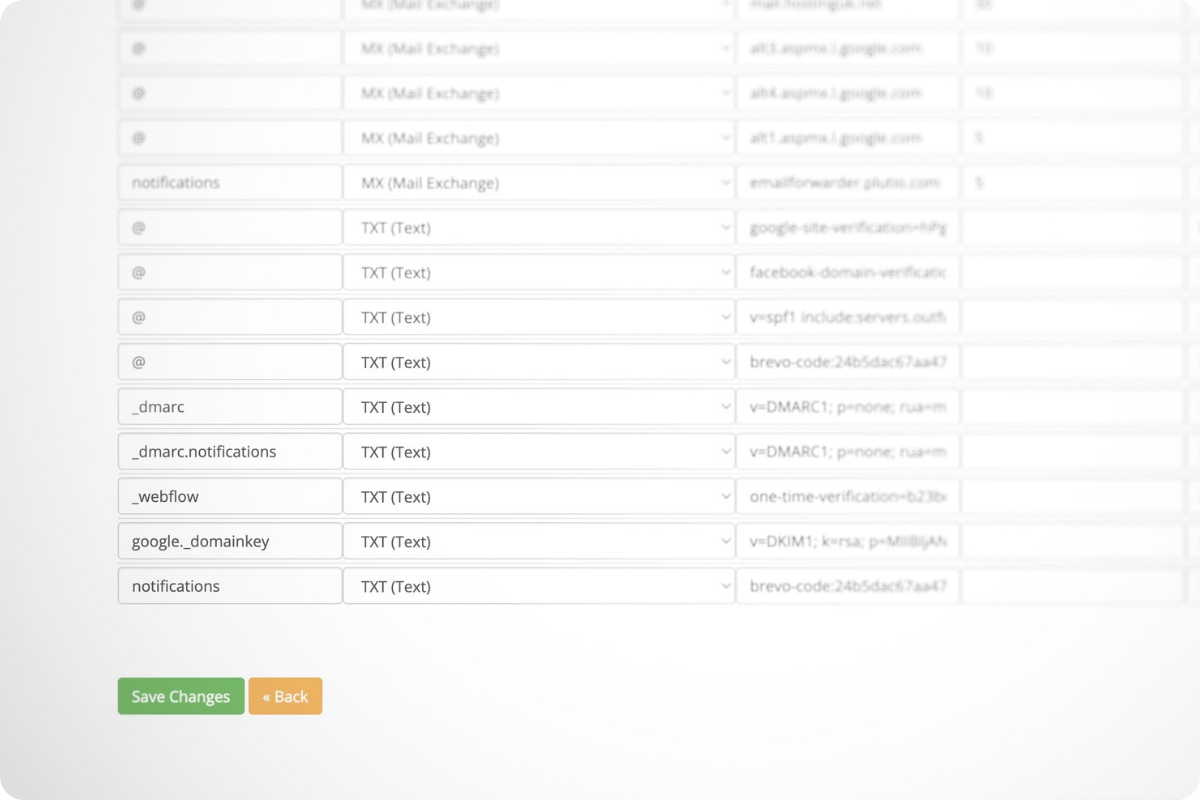
Want some practical, hands-on help improving email deliverability? We can conduct a review of your current set-up, build you a tagging and segmentation structure, make sure your email authentication is in place and working as it should, create a three-part 'Welcome' series of automated emails for you, email templates, and more besides - just head to our contact page to start a conversation.
Our latest news and trending topics